
Choose the message
Start from 200+ built-in affirmations across practical themes, then extend them with your own recordings, custom playlists, and a listening mix that fits the moment.
Voice-first affirmations
Record a thought that matters to you. Add calming background audio, then make a little space to listen every day.
Free to download. Optional Pro subscription.
See how it works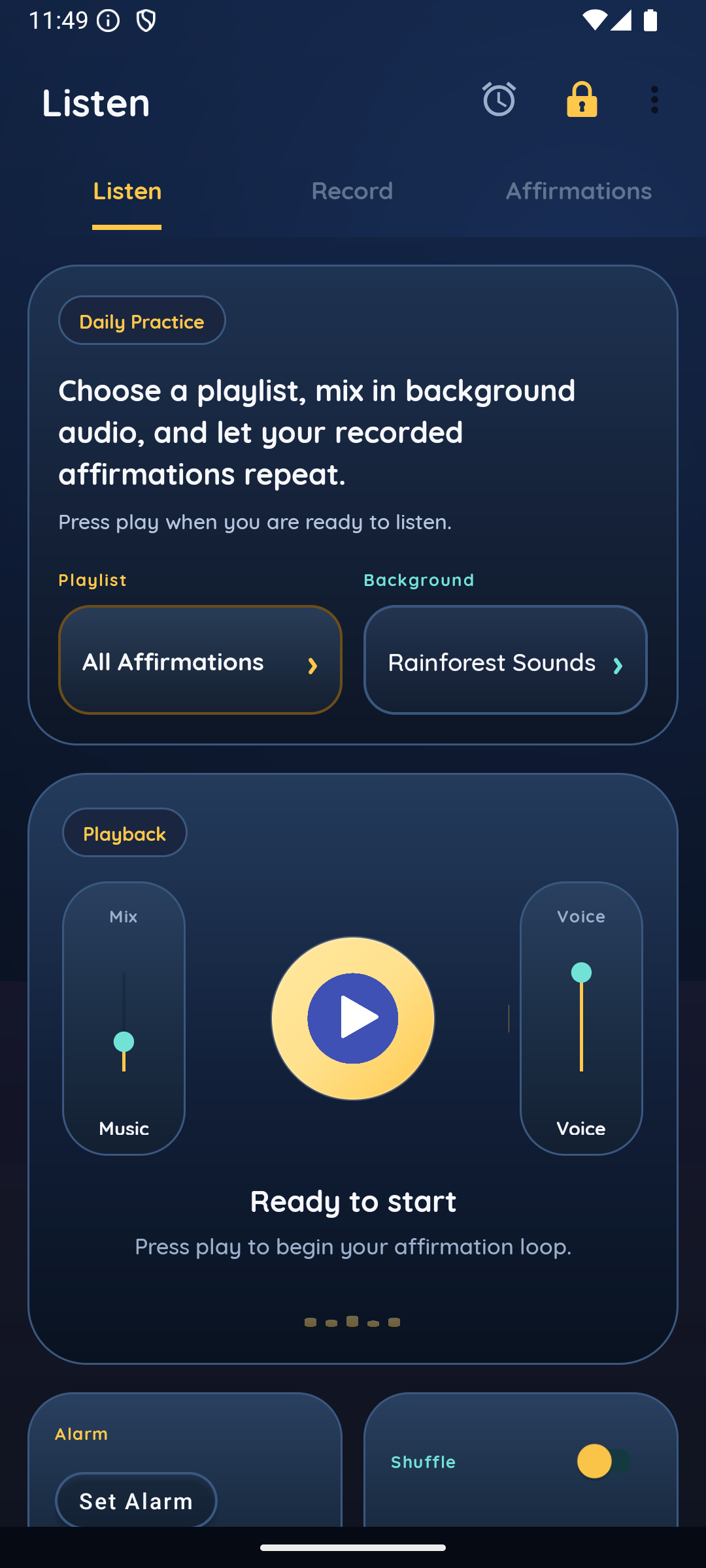
A small daily practice, in your own voice.
200+built-in affirmations
RecordCapture the thoughts you want to affirm
Loopplaylists with background audio
Experience
Type it, record it, listen in a loop, and let the message become familiar in your own voice.
Start from 200+ built-in affirmations across practical themes, then extend them with your own recordings, custom playlists, and a listening mix that fits the moment.
Use your own voice so the message feels familiar, believable, and easier to keep hearing.
Save them into playlists by goal or belief
Return to the same session every day
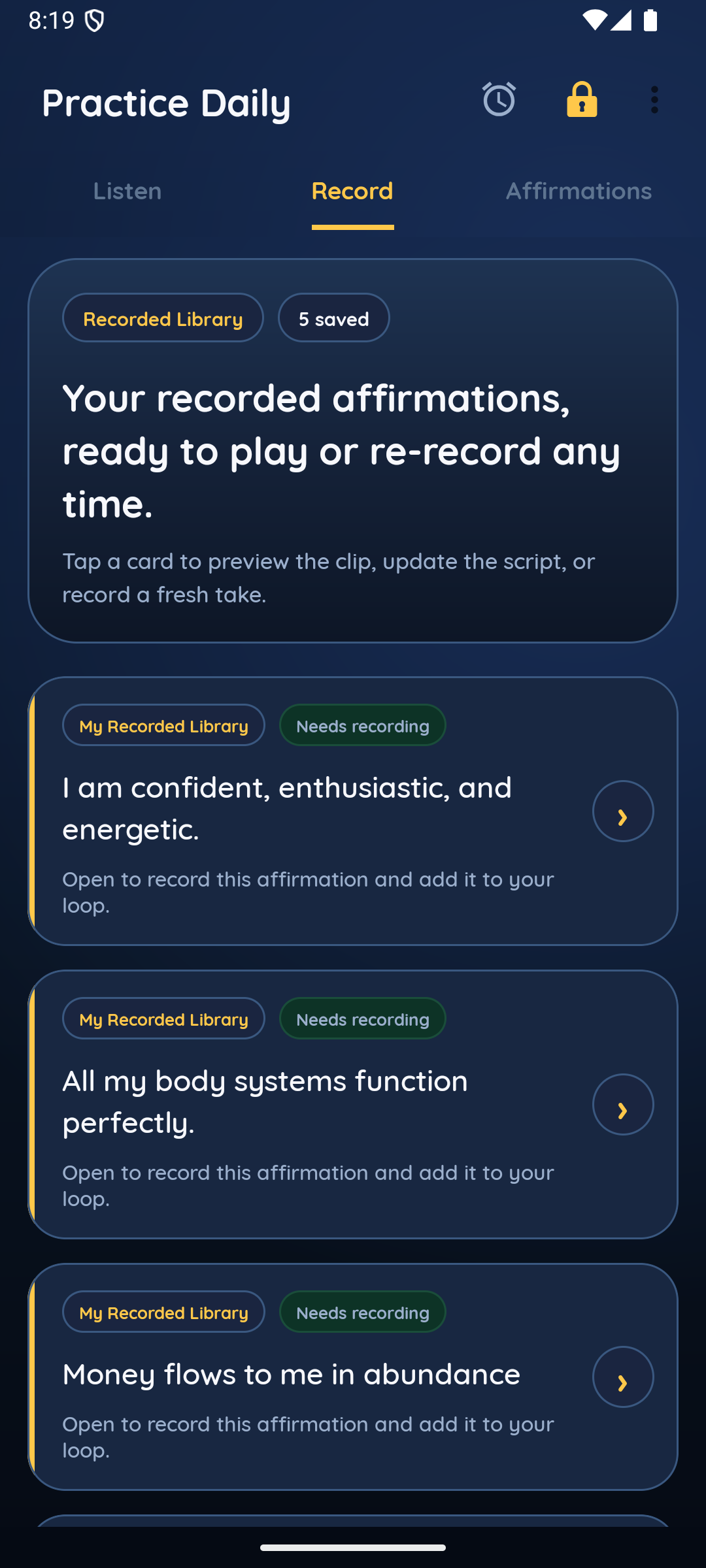
Record
Speak in your own tone, then preview and reuse it immediately.
Ambient listening
Choose a playlist, set the background, and keep the session simple.
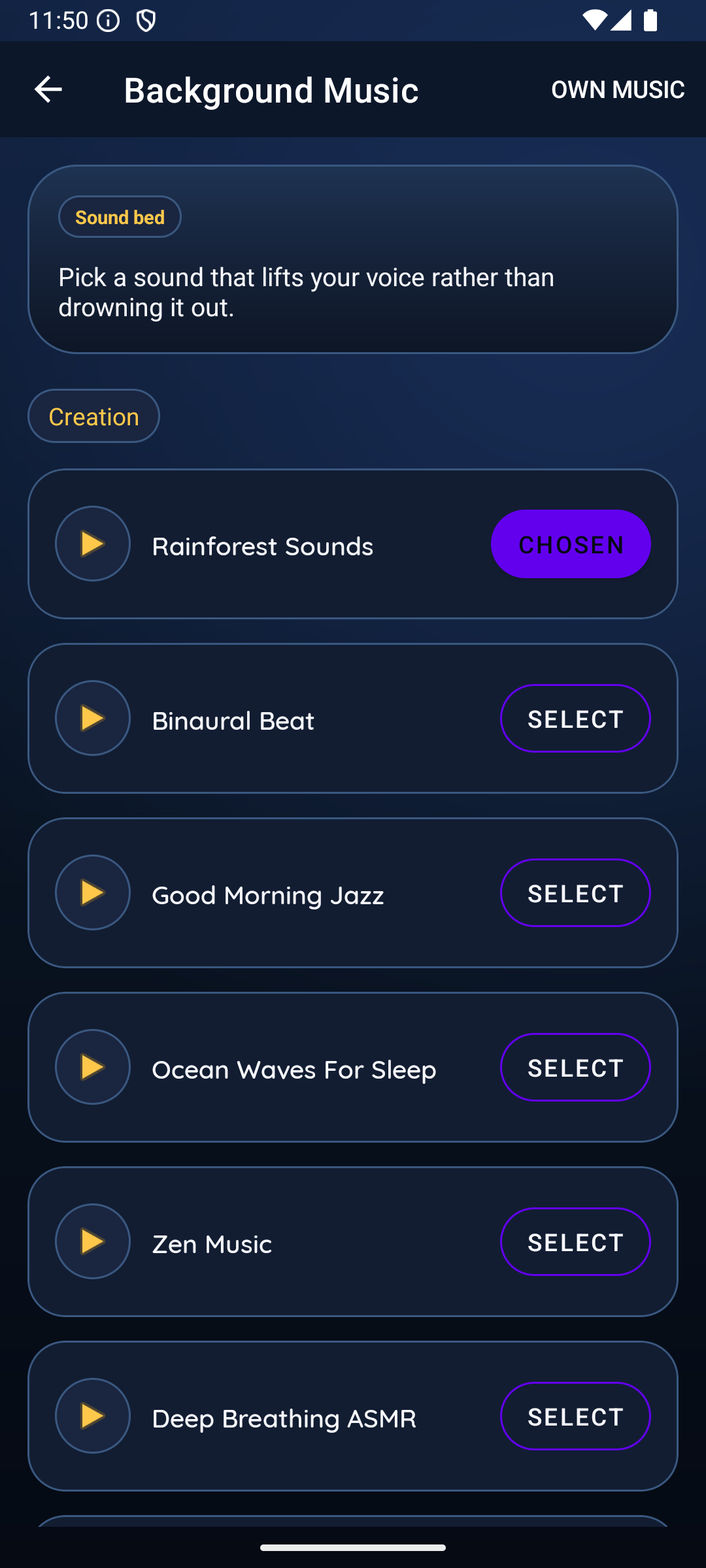
Creation workflow
Quick help
Tap the record control when you are ready to speak and allow microphone access only then. To remove a recording, use the delete action in the app. On-device recordings stay on your device until you delete them or uninstall.
Sign in with the same email and six-digit code to restore content you chose to include in Cloud backup. To remove cloud data, open the app menu, choose Account, then Delete cloud account and confirm. Local device data is separate.
If support has confirmed a complimentary Pro grant, sign in with that verified email through the normal code flow. The entitlement is attached to that account. If it does not appear, contact support with the email used to sign in.
Support
If something is unclear or you need help with the app, contact the team directly.
contact@creationaffirm.com